



Sweets Theme: How to Customize Your Home Screen with 24 Options for Android
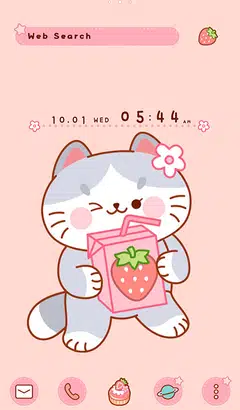
Easy ways to customize your Android home screen with the Sweets theme! If you find a home screen customization that suits your taste from the many themes available, you can use the popular smartphone customization app +HOME to apply the Sweets arrangement to your home screen with high-quality wallpapers, icons, clock widgets, and search widgets, all for free.
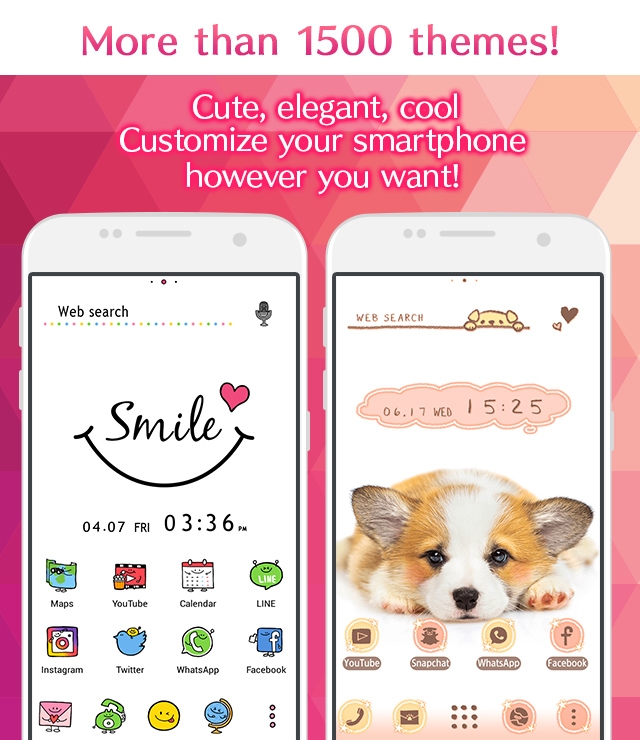
Download +HOME, the App You Need for Sweets Customization!
c<p>With +HOME, the popular smartphone customization app, you can completely customize your smartphone's home screen to a Sweets theme for free! Easily set wallpapers, icons, clock widgets, and search widgets!


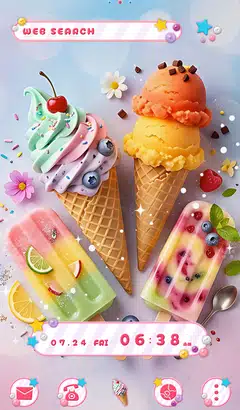



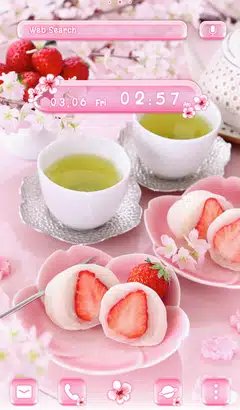

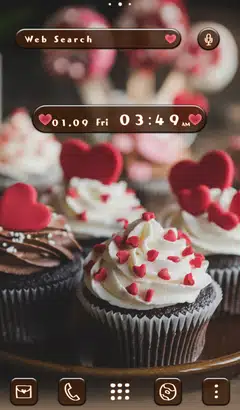



+HOME Recommended Popular Ranking
+HOME Special Features List.
-
🌷 Spring Special - 2025 - 🌷
Feature on spring flowers and picnic-themed smartphone standbys! Lighten up your daily life with heartwarming designs♪
-
🔮 Summer Luck Theme Special 🔮
Bring lucky Lucky motifs for your smartphone! Introducing Kisekae features featuring horseshoes, seashells, and other lucky motifs to boost your luck!✨
-
🌸 Night Cherry Blossom Special 🌸
Make your smartphone standby gorgeous with enchanting nighttime cherry blossoms! Make your daily life beautiful with fantastic designs!
-
🐿️ Autumn Animal Theme Special 🐿️
Feel autumn's animals on your smartphone! Decorate your screen with soothing dress-up themes featuring long-tailed tits, squirrels, rabbits, and more! 🐿️
-
🗻 New Year's Fortune-Boosting Theme 2026 🗻
Bring good fortune to your phone in 2026! Dramatically boost your New Year's luck with our lucky motif theme! 🔝😆
-
😌 Themes of Peacefulness Feature ✨
Summer peace of mind with your phone! Spend your days in a relaxing kisekae theme feature that will enrich your mind😌
-
😸 Animal Pattern Theme Special Feature 🐥
Fill your screen with pure relaxation on your smartphone! Enjoy the ultimate interactive space adorned with snow fairies and adorable animals through cute patterned themes featuring cats and Siberian long-tailed tits🐻
-
😍 Cute Fancy Theme Special Feature 😍
Experience a dream world on your smartphone! Full of cute motifs such as the popular Wish Core, Fancy, and Yumekawa😍
-
☔ Special Feature: The Rainy Season and Hydrangeas ☔
Transform your phone with beautiful hydrangea wallpapers and relaxing rainy season aesthetic themes.☔
-
✈️ Special Feature: Themes That Make You Want to Travel ✈️
Open your phone and find yourself in a foreign land! With these themes featuring breathtaking views from around the world, fill your screen with dramatic landscapes—from majestic nature to famous tourist spots—that will transport you on a journey ✈️
-
🍏 Refreshing Apple Theme Special Feature 🍏
Get your vitamin fix on your smartphone screen! Refresh your mood with the Green Apple theme🍏
-
🤍 Clean white color feature 🤍
Pure white brilliance! White roses, clouds, and simple designs shine through in a variety of stylish and easy themes 🤍
-
☔ Healing Rainy Pattern Special ♫
The theme is full of beautiful, transparent designs incorporating motifs such as rain, drops, and umbrellas, perfect for the rainy season☔
-
⭐ Star Special ⭐
Dreams and hopes connected by stars! Star motif designs perfect for mobile phone standbys ☆
-
☕ Alice in Wonderland Special ♣
Alice in Wonderland smartphone dress-up brings fantasy into your daily life! Full of unique designs!
-
🎄 Christmas Tree Special 🎁
Enjoy Christmas trees on your mobile phone♪ Get into the Christmas spirit by changing the design of your stylish tree!
-
💎 Special Birthstones from July to December 💎
The theme of the birthstones from July to December is the theme of Kisekae! Which gemstone will color your birth month? 💎✨
-
☺️ full of energy! Colorful Pop Theme Feature ❣️
Blow away the May blues! Introducing Kisekae with vitamin colors and fun motifs that will blow away your gloomy mood♪
-
⛄ Snowman Theme Special Feature ⛄
Snowmen on your smartphone! Celebrate winter's arrival with cute snowman dress-up themes⛄
-
😼 Attractive with a unique look! Unique Face Feature: ☺️
We have collected face designs with unique and playful expressions such as 😉 winking face, surprised face, troubled face, etc. 😉
List of How to Use +HOME
-
About the Home Screen
-
Let's Change the Theme
-
How to Use the Drawer (App List)
-
Mastering the Home Screen
-
About the Iconpacks
-
How to Change Home Screen Icons Individually
-
How to Change Home Screen Icons All at Once
-
How to Change Home Screen Icons with Your Favorite Images
-
How to change home screen icon size